Project overview
A playful AR treasure-hunt game built for iOS/Android. I collaborated directly with founder and developer Markus Eriksson to design the game interface, visual language, player interactions and onboarding experience. My focus: making AR feel intuitive, joyful and instantly rewarding for players.
My role: UX/UI Designer & Brand Developer
Team: Founder/Developer (Markus Eriksson, ShiftSpace), me (design)
Timeline: Nov 2024–2026 (ongoing)
Scope: App interface, visual language, micro-interactions, brand system, onboarding flow
Tools: Figma+Figma Make, UX Pilot, GenAI imagery, Spline, LLM:s for assistance
Problem
Impact aligned with Agenda 2030 goals
Wellbeing
Creativity
Healthier habits
Real-world exploration
Community engagement
Sustainable, active lifestyle
Vibrant cities and neighbourhoods

The Need: turn a tech draft into an engaging gaming experience for kids
An appealing, interactive prototype to show the target client.
Design tool mastery. ShiftSpace being a startup, the learning curve of design tools would've been too steep for Markus, combined with AR development and a full-time job.
Feeling a sense of progression and something tangible to showcase.
We needed to turn a technical draft into a polished, friendly and replayable mobile experience.
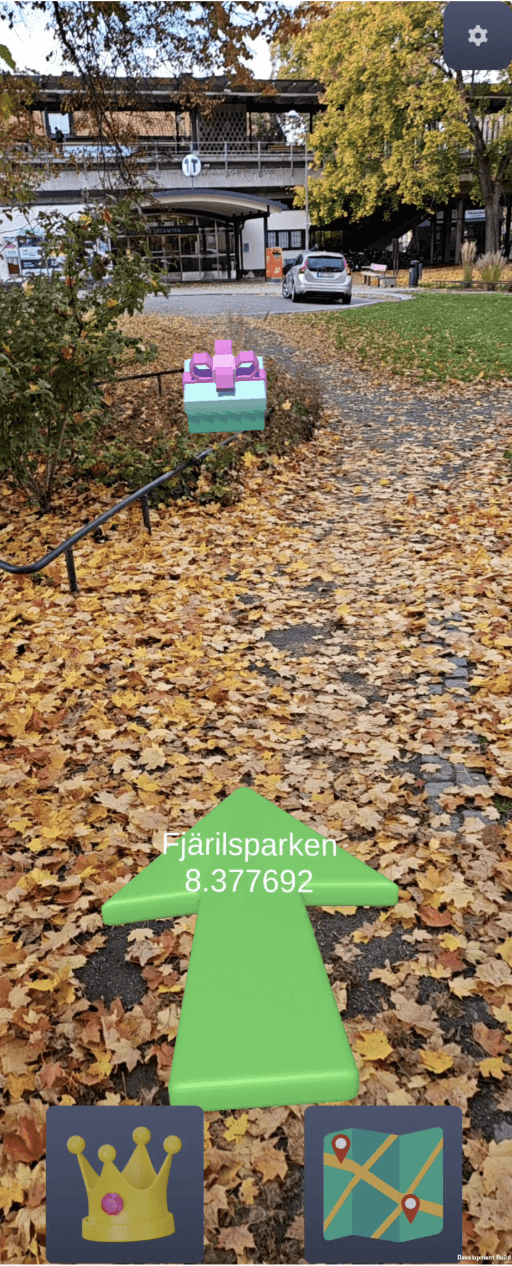
Map & Explore Draft.
Map & Explore Prototype.
My responsibilities
Defined core UX flows (onboarding → map → scanning → rewards)
Designed full UI system for scalability
Developed brand mood, colors, typography, visual tone
Created AR-specific interaction cues for scanning and item reveal
Collaborated closely with Markus to tune interactions based on technical constraints
Created animations and micro-interactions to increase delight and clarity
Considered accessibility and DEI across the entire design process
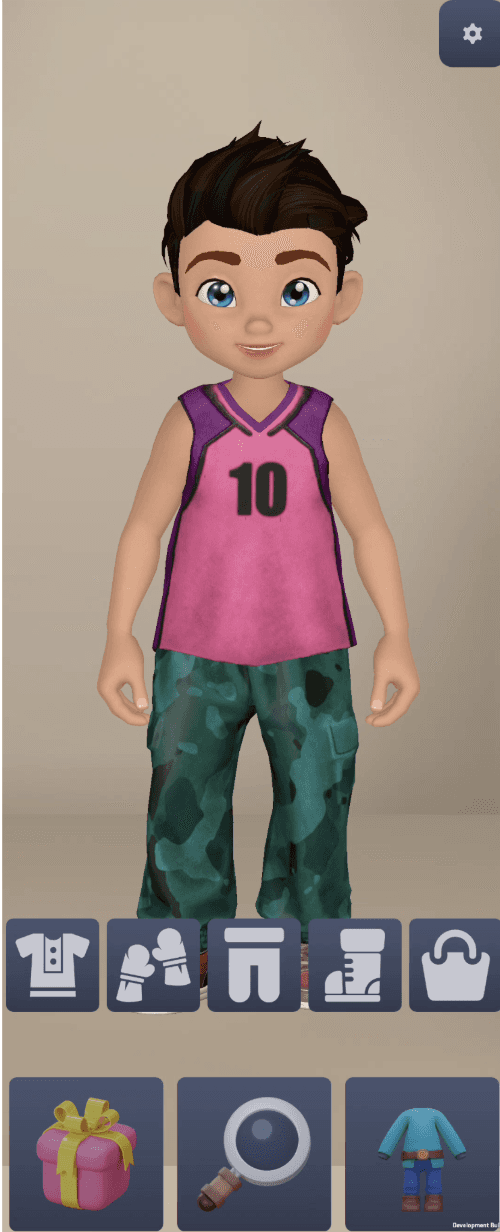
Customisation Draft.
Customisation Prototype.
Design approach
Understanding Real-World Play
I mapped the player journey in wireframes: entering the game, scanning their surroundings, avatar customisation, discovering “Skojar treasures” and collecting rewards. This revealed the need for:
Clear environmental guidance
Fast comprehension
Visual guidance during scanning
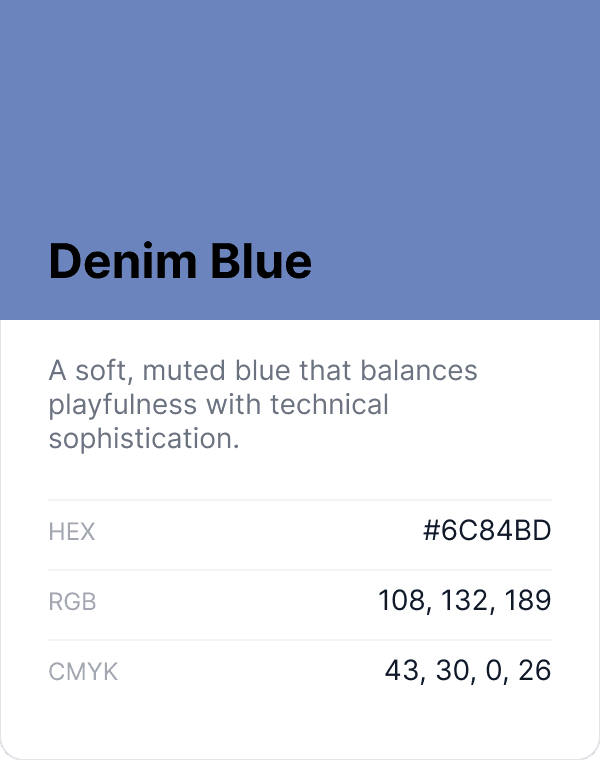
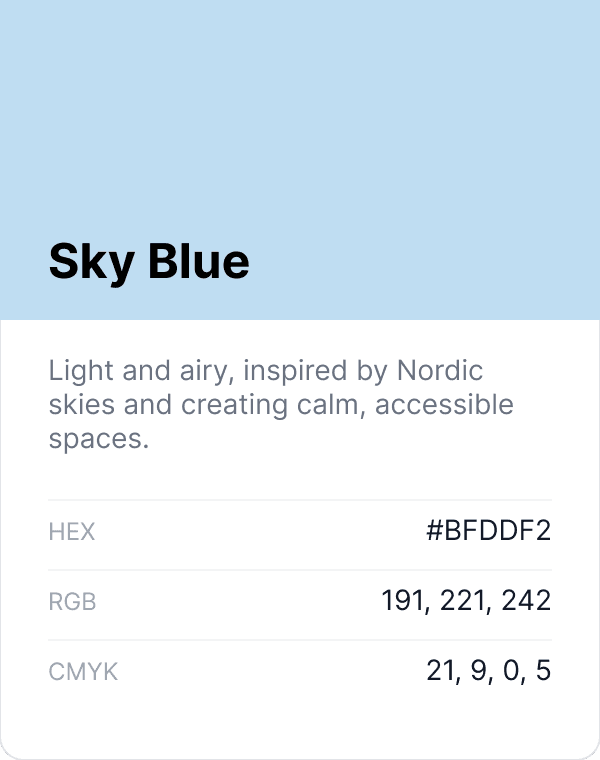
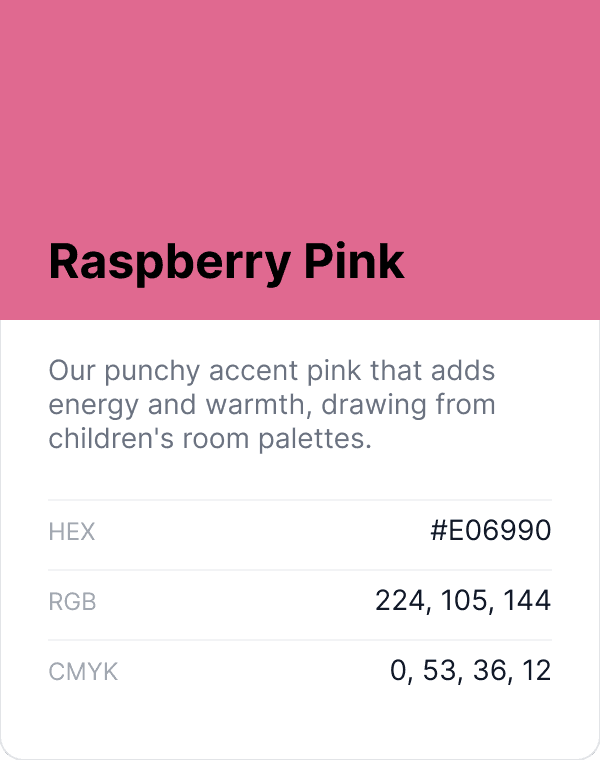
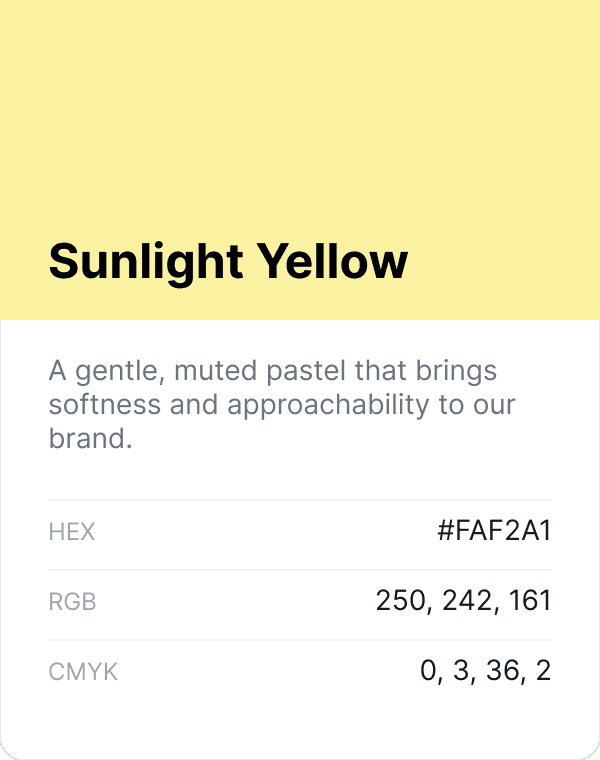
Building a Friendly Visual Identity
The brand needed a whimsical Nordic feel without looking childish. I generated multiple AI drafts of the avatar home scene to align on look and style. We compared and upvoted favourites in a collaborative session. This gave me a clear sense of the space, the mood and the visual direction he had in mind.
From there I shaped the final look with the following goals:
Designing AR Interactions
AR needs strong cues. I created:
positional indicators
scanning animations
spatial outlines and pulsing markers
feedback for mobile phone movements
Rapid Feedback Loops with the Developer
Fortnite feedback loops: design → Figma to Unity conversion (with plugin) → test build.
This ensured my design tool, the process and the UI worked from a technical point of view.
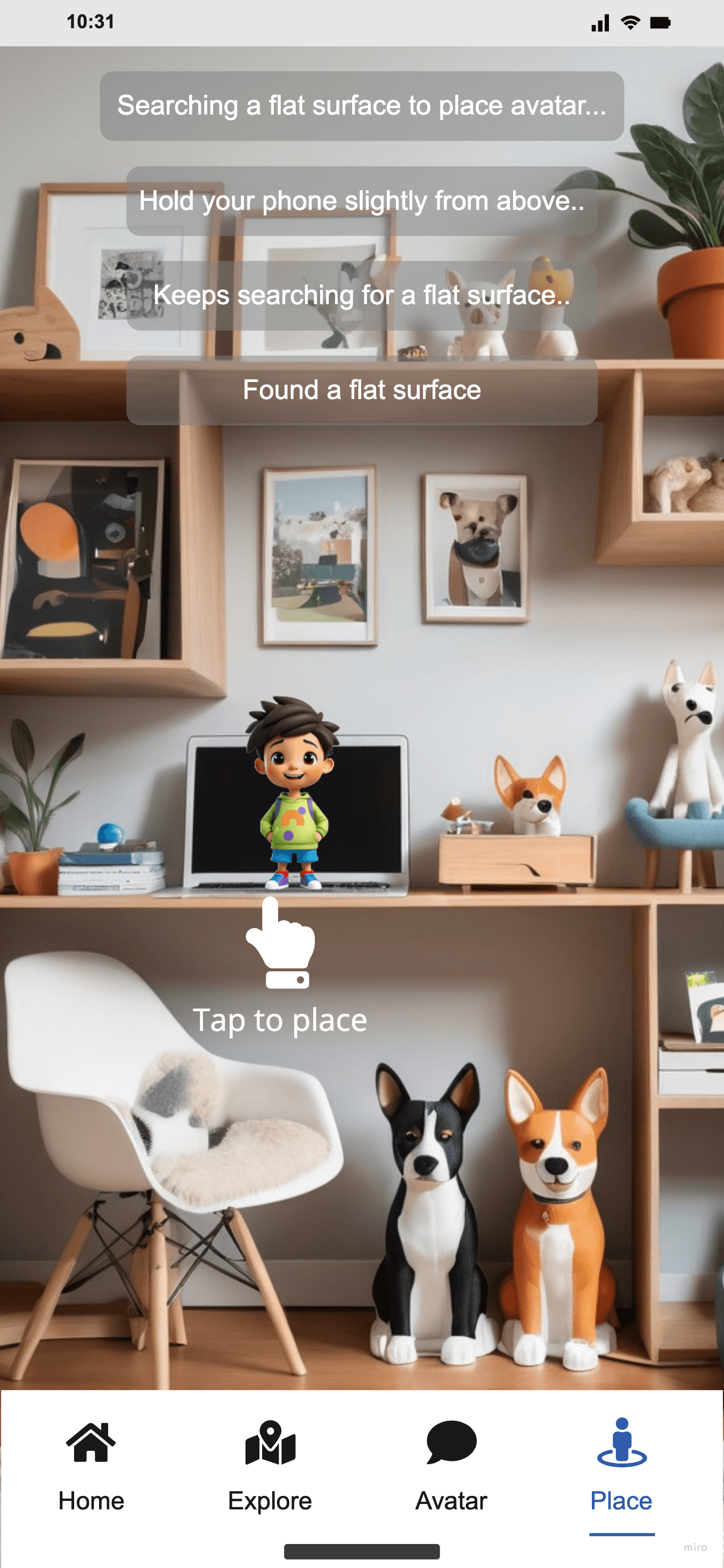
Place avatar Miro wireframe
Place avatar hi-fi interaction cue.
What I brought to the project
Anchoring product purpose with Agenda 2030 goals, making the "why?" crystal clear
Ability to translate technical AR prototypes into usable, delightful interfaces
Strong collaboration with a solo developer under iteration cycles
A branded visual identity that elevates the game beyond a hobby project
Clear UX that reduces cognitive load
The design system named "Treasures"
Aesthetics, creativity and judgement
A structured Agile/Scrum sprint plan (epics, tasks, backlog, roadmap) for the client-facing game adminsitration platform
Tradeoffs - sometimes a client request isn't purpose enough
Skojar was born as a direct request from a client. Even though it signals an existing business need to be fulfilled, I felt the urge of anchoring a deeper purpose and define the actual problem to solve. During the initial workshop set up with Markus, one phrase stuck with me: "The idea is to get children out of the indoor sofa to engage in real life social connections and explore the world outside, dodging the expected conflict of having to leave their device behind."
This is how I could anchor the product in Agenda 2030 goals.
From a tech-perspective I stayed flexible in which design tool to use while Markus investigated the simplest way possible to integrate the UI-layers with Unity. We ended up using Figma after a few plugin tests.
WCAG 2.2 AA-level guidelines have greatly affected my work. In many cases I've had to skip "whimsical glow-effects" adding to the magic in the game, in favour of sharp and clear strokes.